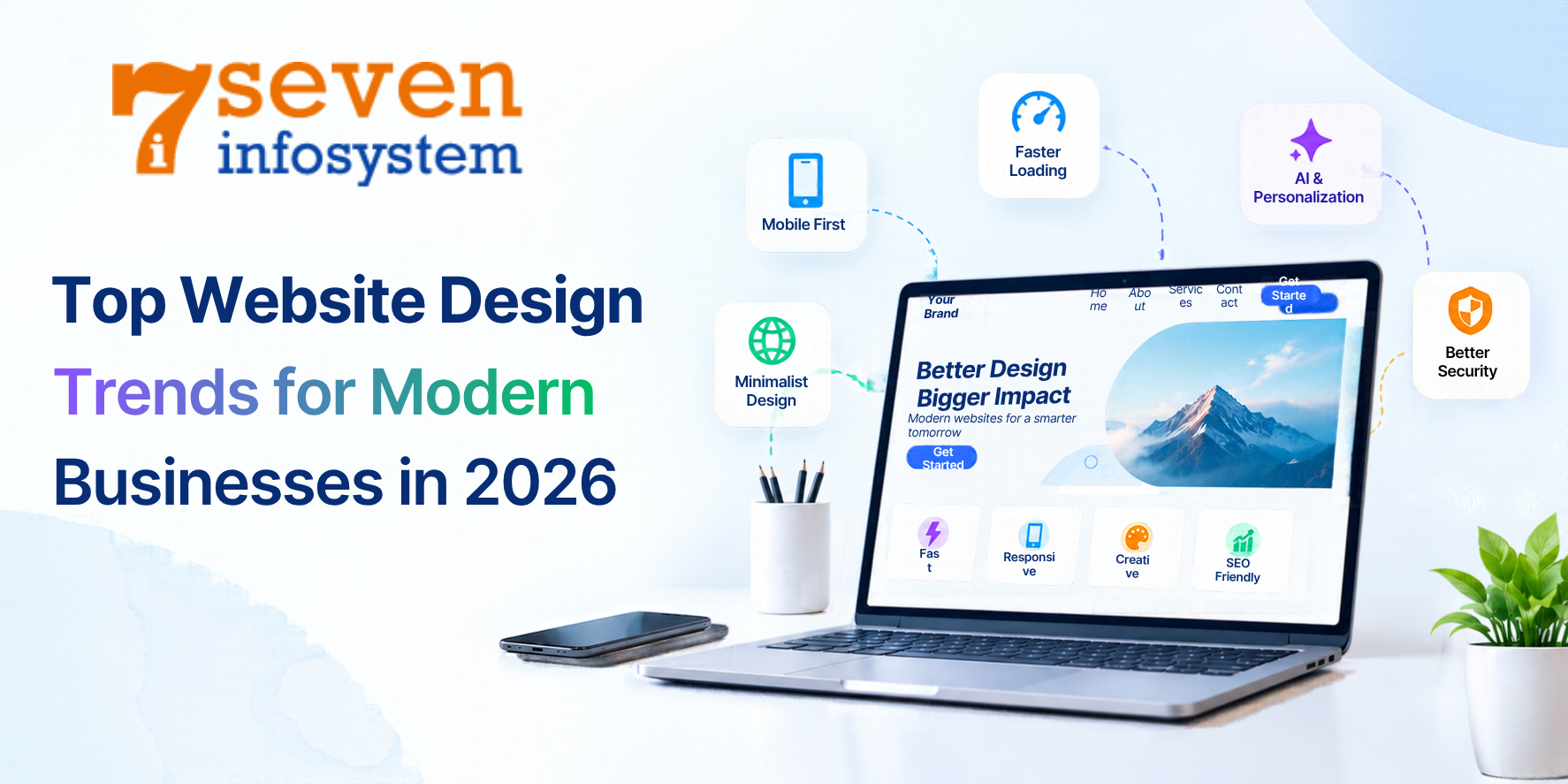
Top Website Design Trends for Modern Businesses in 2026
Explore Website Design Trends for 2026, from AI-powered experiences and responsive layouts to accessibility, speed, and SEO-friendly design.
Introduction
A business website is not only an online location but it is usually the first point where prospective clients come to know about the organization and get convinced about trusting the brand. By the year 2026, customers will be expecting fast loading speed, mobile friendly compatibility, helpful information, and ease of use from websites. Thus, businesses should pay more heed to the design and functionality of their websites.
Website Design Trends 2026 reveal that a lot of efforts will be devoted to the development of web designs that are highly accessible, usable, personalized, and beneficial for business. Instead of developing visually attractive websites, businesses will focus on creating sites that allow users to get all the information they need without difficulties.
From AI assistance to the use of clear layouts and various interactive elements, modern web design trends continue to develop. Not all of the techniques suggested in 2026 are relevant for every kind of business. The same design that is suitable for an online store can be inappropriate for the website of a professional service.
1. AI-Powered Website Experiences
The emergence of artificial intelligence technology can be seen as an essential element of any digital experience nowadays. AI can be used by businesses in order to enhance websites' functionality, provide personalization services, and decrease the amount of effort visitors have to put into finding relevant information.
For instance, if one is selling products on their website, then AI can be used to give recommendations of certain items that could interest the visitor. In addition, companies offering services can utilize AI assistants to address commonly asked questions about the services offered by the company.
AI can be useful in helping website developers in the process as well. For instance, recommendations on how to enhance the website and other similar benefits can assist business teams in improving their websites.
Nonetheless, any kind of automation has to play a certain role. For instance, a chatbot which provides incorrect answers or constantly interrupts visitors can only bring frustration rather than improve user experience. Business should ensure that all automated solutions are helpful and can be easily turned off.
How businesses can use this trend:
Introduce an AI assistant for frequently asked questions.
Make recommendations personal so they actually help users.
Use analytics to identify common visitor needs.
Review AI-generated content for accuracy and brand consistency.
The most effective strategy would be to combine automation with human intervention. The use of artificial intelligence in the website should help rather than make the user’s experience impersonal.
2. Minimalistic Design with Purposeful Images
The minimalist design is very popular nowadays while creating websites as it helps users to focus on the essential elements. It means that every single website section will be made of certain graphic images, animations, and advertisements that serve some particular purpose.
This Website Design Trends approach does not mean a website has to look poor or lifeless. Instead, it focuses on giving every page element a clear purpose. Readable headlines, suitable fonts, harmonious color schemes, and well-chosen graphics help users understand the business while creating an attractive and user-friendly website.
For instance, a consulting company may apply to a simplistic page that features a good welcome message, the summary of its services, client reviews, and the button to contact the company. Such a design will help the visitor get acquainted with the company without any difficulties.
Businesses may apply to the limited color palette and typeface.
Why minimalist design works
It makes important information easier to find
It creates an professional appearance
It can reduce visual distractions.
It helps establish a clear content hierarchy.
When planning a minimalist layout, businesses should prioritize clarity over decoration. Every image, heading, and button should support the visitor's next step.
3. Responsive Website Design for Every Screen
The people viewing the websites may use smartphones, tablet computers, laptops, or desktop computers. Due to this reason, the website must function on different screen sizes with the ease of access and usability.
The responsive web design changes the layout of the pages and the images, menu and other elements according to the screen size. By making a different website for each device developers create a smart way that works on all kinds of screens.
For today's businesses this is very important. A person could find a company using a phone, check the details on a laptop and come back later on a tablet to ask a question. A steady experience helps that process go smoothly.
Responsive design is not about making things smaller. Buttons should be easy to touch, the words should be clear to read. The menu should be simple to use on small screens.
Best practices for responsive websites
Use flexible layouts and choose images that fit the screen size.
Keep mobile navigation straightforward.
Ensure forms are easy to complete on touchscreens.
Do not let ordinary page content scroll horizontally.
Test key pages, on different screen sizes.
A planned responsive website design helps businesses reach visitors across devices while keeping usability and visual quality; the responsive website design ensures the experience stays smooth.
4. Faster Websites and Performance-Focused Design
Visual appeal can draw visitors in. If a website loads slowly those visitors might leave before they even see the content. That’s why website speed matters much when building a new site or updating an existing one.
One of the key Website Design Trends in 2026 is performance-focused design, which combines appealing visuals with clean, efficient development. Large images, excessive scripts, unnecessary animations, and poorly configured plugins can slow down a website, so optimizing these elements is essential for a fast and smooth user experience.
Businesses do not need to remove every visual feature to improve speed. Instead, they should identify which elements add value and optimize the way those elements are delivered.
Practical ways to improve website speed
Compress images while preserving suitable visual quality.
Use modern image formats where supported.
Remove unused scripts and plugins.
Choose reliable hosting that suits the website's needs.
Test important pages regularly using performance tools.
Website owners should also keep an eye on how the main content shows up and whether parts of the page jump around during loading. These details affect how users feel, especially when they are on networks.
5. Interactive Website Design That Serves a Purpose
Interaction can enhance websites through the exploration of information and not just its reading by users. Interactive features can be used by organizations in 2026 to inform on complex offerings, showcase their products, and help customers make decisions.
Some examples of interactive features can be interactive product previews, service calculators, comparison tools, expandable FAQs, and interactive animations.
For example, a financial services website could have a calculator that would allow visitors to calculate costs. A software development company can have an interactive preview of their product to describe how it operates.
Interaction should not take over. Many moving parts, sudden pop-ups and messy navigation can make a site hard to use. Some animations can also cause problems for people with disabilities. Hurt site speed if they are not done right.
How to use features effectively
Pick interactions that answer a question, explain a benefit or make a task easier. Keep controls simple to understand, give feedback when people use them and make sure important information is always available without extra animations.
Companies should also check features on mobile phones and think about people who use keyboards or tools that help with disabilities.
The interactive website design lets visitors do something helpful. It does not make them learn how the website works before they can see the content.
6. Mobile-First Web Design
Responsive design and mobile-first design are closely connected. They take different paths during the design process. Responsive design is about changing the layout to fit different screens. Mobile-first web design starts by creating smaller screens first and then expands the experience for bigger devices.
This way of thinking helps businesses focus on the important details. With space on a screen it's important to choose which messages, links and actions should stand out the most.
For instance a local service provider might want mobile users to easily find its services the area it serves the phone number and the contact form. Putting these details in a place can make the website more helpful for people who need help while they are out and about.
Mobile- planning can also show what is not needed. If a page looks confusing on a screen the problem might be the layout instead of just making the text smaller.
Businesses need to think about how fast the site loads, how easy it's to use with touch, how readable the text is and how short the forms are. At the time they should make sure the bigger desktop version still makes good use of the extra space.
7. Accessibility as a Core Design Principle
The ideal business website will have to cater to the needs of all types of visitors, regardless of their abilities, devices used, and preferred modes of browsing. This makes accessibility of a business website a critical consideration in digital design.
There are several ways that businesses can enhance accessibility through design choices. Using clear headings makes it easier for individuals to know the layout of the page. Link text should be descriptive in order for individuals to know what they will be directed to when clicking on it.
It is advisable to have appropriate forms with labels and error messages. Navigation should also not depend on the mouse only.
Accessibility improvements to prioritize
Use a logical heading hierarchy.
Provide text alternatives for meaningful images.
Maintain sufficient contrast between text and backgrounds.
Make interactive elements keyboard accessible.
Add captions or transcripts to relevant media.
Avoid relying on color alone to communicate information.
Accessibility is not simply a technical checklist. It improves clarity and usability for a wider audience. Businesses should evaluate their websites regularly and use recognized accessibility guidance, such as the Web Content Accessibility Guidelines, when planning improvements.
8. SEO-Friendly Website Design
An appealing website is likely to face challenges when trying to utilize its full potential if individuals are unable to find its pages through search engines. The above is the justification for the importance of search engine friendly web design from the very outset of website construction.
Search-friendly web design includes the organization of the website, useful content, effective navigation, accessibility, and good technical base. Search-friendly design makes it easier for both visitors and the search engines to see what the page is about and the connections between the parts of the page.
As an illustration, an organization providing a variety of services should make a separate page for every service instead of making a long paragraph on all the services provided.
Essential SEO design practices
Make sure URLs clearly show what the page is about.
Use page. Meta descriptions that are meaningful.
Structure content with headings that explain what each section is.
Include links between pages that are connected.
SEO also depends on quality, relevance, authority and competition. SEO-friendly website design cannot guarantee rankings, on its own but SEO-friendly website design can remove barriers that make content difficult to access or understand.
9. Choosing the Right Website Design and Development Partner
Following the trends in website design can be difficult, especially for companies that do not have an internal technical department. Your ideal development partner will help you move on from your business objectives towards an effective website strategy.
When comparing providers, look beyond visual portfolios. Ask how they approach mobile usability, accessibility, site speed, security, search optimization, and ongoing maintenance.
A reliable partner should also take time to understand your audience, services, competitors, and desired outcomes before recommending a design direction.
What should businesses evaluate?
Technical capability: Discuss responsive layouts, integrations, performance, security, and content management.
SEO knowledge: Make sure that your site structure, metadata, redirecting and indexing is taken into account when developing your site.
Post-launch: Find out how updates, backups, bug fixes and improvements will be done.
For companies looking for a website development company in Rajkot knowing the area and being able to talk directly might be helpful. Compare the companies based on the quality of their work, how good they are, at their job, how clear they are and how well they can help you reach your goals over time, not just where they are located.
A strong website project should deliver more than a homepage. It should provide a foundation that can grow with a business.
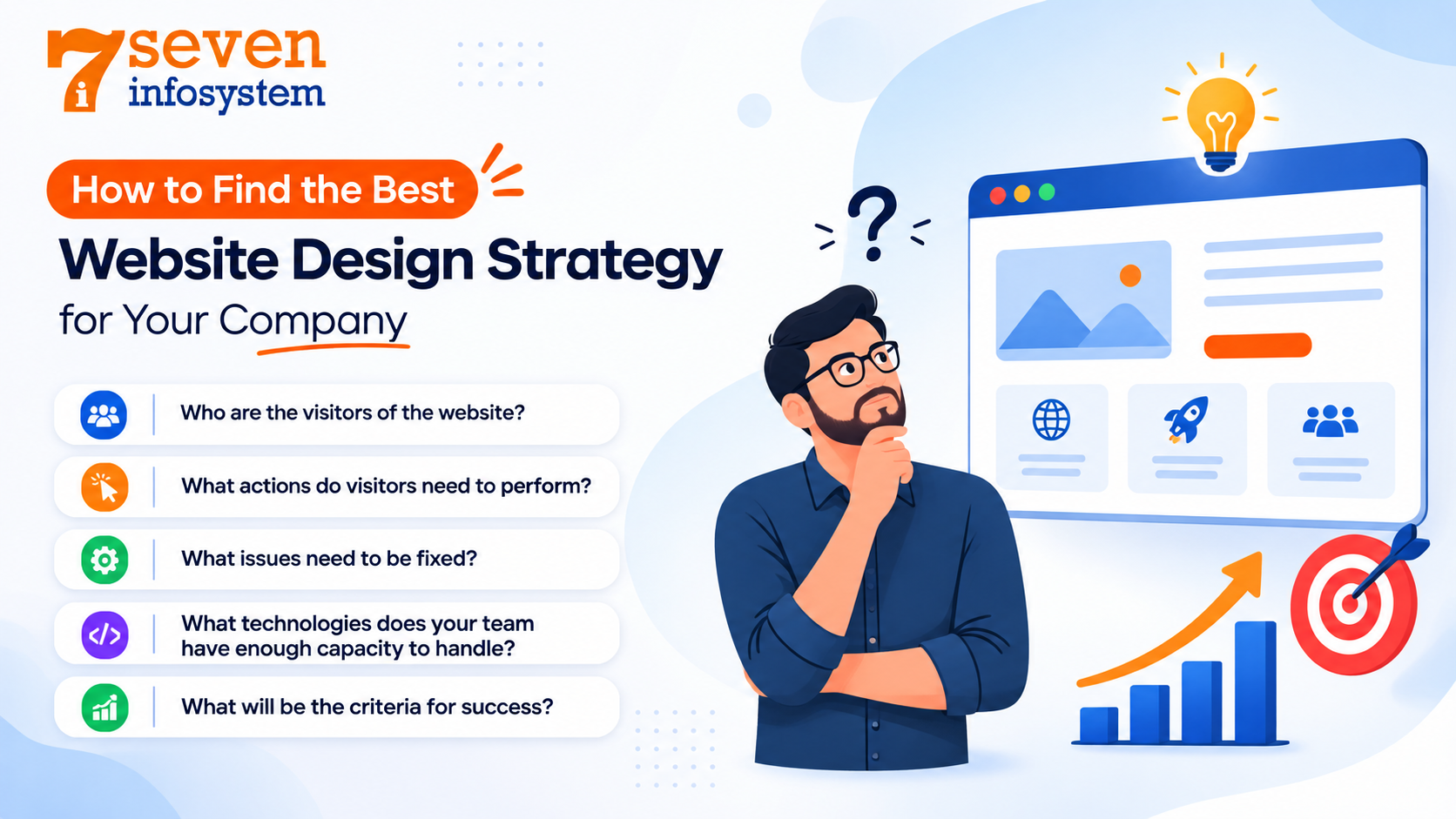
How to Find the Best Website Design Strategy for Your Company
All trends aren’t equal – the proper choice of website design strategy depends on the target audience, business type, resources and objectives.
Prior to the redesign process you should ask yourself several questions:
Who are the visitors of the website? You should understand their needs, equipment and expectations.
What actions do visitors need to perform? It’s necessary to define whether the main goal is lead generation, sales, information exchange or support services.
What issues need to be fixed? Analyze the current website performance, navigation, accessibility and conversion data.
What technologies does your team have enough capacity to handle? Make the proper choice depending on budget and skills.
What will be the criteria for success? It’s important to set realistic metrics – completed leads, sales, engagement or performance.
For example, the most appropriate website design for a local service company may include quick mobile pages, informative service pages and convenient ways to get in touch. In turn, an online store would benefit from convenient product discovery, personalization and simplified checkout process.
The most advanced website design doesn’t always become the best website design.
The Future of Website Design
The future of website design will likely involve a closer relationship between intelligent tools, accessible interfaces, flexible layouts, and performance-focused development. As technologies evolve, businesses will have more ways to make their websites useful and responsive to customer needs.
However, fundamental principles will remain important. Visitors will still expect clear information, reliable performance, straightforward navigation, and confidence that their data is handled responsibly.
Businesses should avoid redesigning their websites simply because a new visual style becomes popular. Instead, they should evaluate emerging techniques based on their practical value and introduce changes when those changes improve the experience.
A sustainable website strategy combines thoughtful design with regular testing, useful content, reliable development, and ongoing maintenance. This approach allows a website to evolve without losing sight of the people it is intended to serve.
Conclusion
The most valuable Website Design Trends in 2026 focus on creating websites that are useful, accessible, fast, and aligned with business goals. AI-assisted experiences, minimalist layouts, responsive design, meaningful interactions, stronger accessibility, and search-friendly structures can all contribute to a better online presence when implemented thoughtfully.
At the same time, businesses should remember that trends are tools, not rules. A feature should be included because it solves a problem or improves the user experience, not simply because it is popular.
Start by reviewing your current website, identifying the biggest obstacles visitors face, and prioritizing improvements that offer clear value. Whether you are launching a new website or upgrading an existing one, a user-centered approach will help create a stronger foundation for long-term digital growth.
FAQs
1. What are the biggest website design trends in 2026?
Key trends include AI-assisted experiences, minimalist layouts, responsive and mobile-first design, faster performance, purposeful interactivity, accessibility, and personalized content.
2. Why is responsive website design important for businesses?
Responsive design helps a website adapt to different screen sizes, making content easier to read and navigation easier to use on smartphones, tablets, and desktop computers.
3. How does website design affect SEO?
Website design can support SEO through logical site structure, mobile usability, fast loading, accessible content, descriptive headings, and effective internal linking. Rankings also depend on content quality and other factors.
4. How often should a business redesign its website?
There is no fixed schedule. Businesses should review performance regularly and redesign when their website no longer meets customer needs, technical requirements, brand goals, or business objectives.
5. How can I choose the right website development company in Rajkot?
Review the company's portfolio, technical expertise, communication, pricing transparency, SEO knowledge, and post-launch support. Choose a partner that understands your goals and can maintain the website over time.